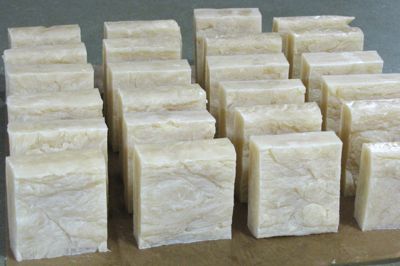
When I started making soap, I learned from the book Handcrafted Soap, by Dolores Boone. It is well worn – though I don’t follow the recipes, I follow the technique. I love the hot process soap method because it is fast and pretty hands-off. My style. My soap can be in the molds in about an hour and half, with only 15 minutes of hands-on time. Then the next day, it takes about 15 minutes to cut up the bars. Half hour soap! 😀
I call my soap castile soap, though it is not true castile soap (100% olive oil). The olive oil makes a very hard bar of soap, but it takes sooooo long to bring to trace (you’ll see what that is) and to harden, that I prefer to use half coconut oil and half olive oil for the major oils. I use castor oil for conditioning, just a bit of it. And I add stearic acid, just a bit, for hardening. You can also use beeswax for hardening. I have done both. Beeswax tends to boil over more in the crockpot than stearic acid. Been there, done that.
My recipe has been run through the Lye Calculator at MMS Sage. This is a fantastic tool – so thorough and so easy! You put in your oils and it pushes out the proper amount of caustic (in this case, sodium hydroxide or lye). When I make soap, I want there to be a bit more oil — this is called super-fatting. The oil and the lye are going to chemically react to produce soap, but there’s no way we can count all the molecules and make sure this chemical reaction is totally even. We don’t want to end up with lye unreacted! By super-fatting, we ensure that extra fat is left unreacted (instead of extra lye unreacted).
On the Lye Calculator, MMS Sage gives you amounts of lye to use depending on the percentage of super-fatting. I choose 5% super-fatting. This means there’s 5% excess fat and ensures all the lye is reacted/turned into soap. Make sense?
Take a look at this: a PDF of the results of running my amounts of oil through the lye calculator at MMS Sage. On that you can see the various percentages of super-fatting in my recipe.
In this post is my adaptation of the method in Handcrafted Soap by Dolores Boone. I see her book is out of print on Amazon? I don’t have time to chase it down, but just in case you can’t find it, I’ll also include a paraphrase of her method that I typed up a few years ago for a friend. I haven’t edited it or looked at it since. 🙂 Here it is.
Safety Equipment
- Protective clothing
- Disposable plastic gloves
- Long-sleeve Shirt
- Safety glasses or face shield
Equipment (not all may be used in this recipe)
- Cookware — stainless steel pot for melting oils
- Crockpot — older models don’t heat as hot, which is a benefit
- Digital scale
- Stick blender
- Glass measuring cups
- Small glass bowls (for smaller measurements)
- Long-handled plastic spoon
- Rubber spatula
- Metal ice cream spade
- Funnel (filling molds)
- Pitcher filled with soapy vinegar mixture
Ingredients (by weight, unless noted)
- 26 ounces pomace olive oil
- 26 ounces coconut oil
- 2 ounces castor oil
- 1.2 ounces stearic acid (optional, for hardening)
- 8.38 ounces sodium hydroxide (lye)
- 14 to 20 ounces distilled water — not by weight (I use 18 ounces)
Note: if you omit the stearic acid or change any oil kinds or amounts, rerun the lye calculator at MMS Sage. If you use beeswax instead of stearic acid, use 1.5 ounces (and run it all through the calculator).
Method
Measure the solid oils (oils which are solid at room temperature) using a scale (tared to eliminate the weight of the glass measuring cups). Pictured: coconut oil and stearic acid.
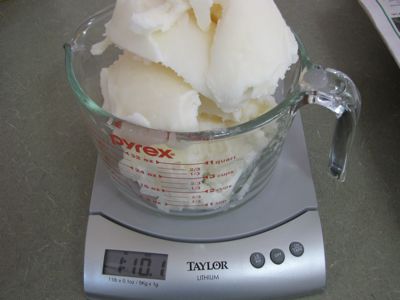
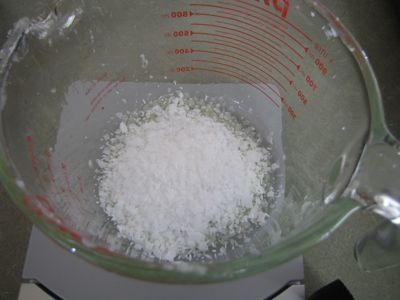
Put in a pot on low heat to melt slowly – don’t let them get too hot! I usually remove from heat when there are still tiny bits of unmelted oil.
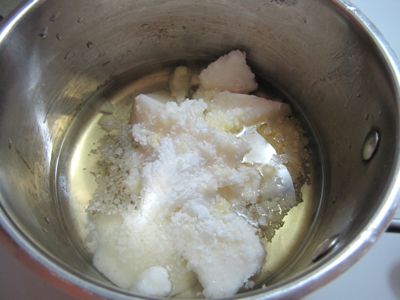
Measure the liquid oils (oils which are liquid at room temperature) and put in the crockpot. Turn on to low to let the oils heat gently. Once again, don’t let it get too hot! I use an old crockpot that doesn’t get that hot. Cover while heating (not pictured).
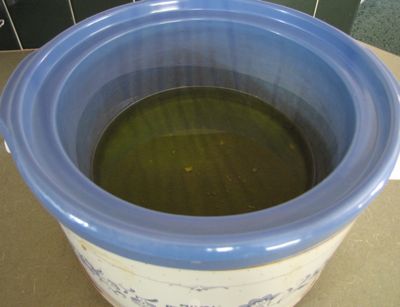
When the solid oils are just about melted, add to the liquid oils in the crockpot and cover.

Measure the distilled water in a 4-cup measuring cup (not pictured). Measure the sodium hydroxide (lye) by weight into a separate, smaller measuring cup. Wear protective clothing and safety equipment when working with lye.
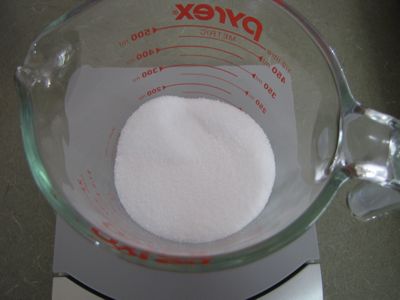
Carefully, while stirring, pour the lye into the water. I like to do this underneath the stove’s vent, so the fumes go outside. Stir until all crystals are dissolved. It will get very, very hot, so don’t touch the glass container. Leave under the hood, with the fan on, for about 5 to 10 minutes to cool down.
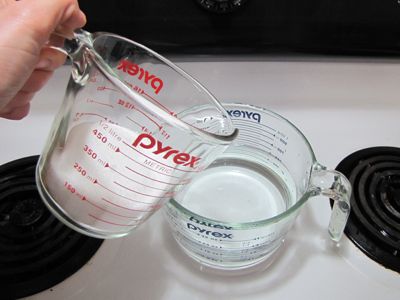
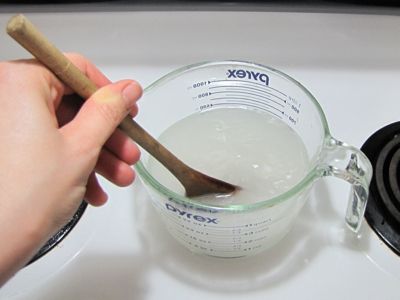
Again while stirring, and pouring carefully (impossible to do while photographing), add the lye/water solution to the oils in the crockpot. Use a soapy/vinegar/water mixture in the sink to rinse the containers and utensils that touched lye to neutralize this caustic.
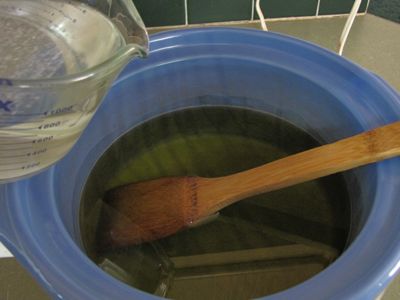
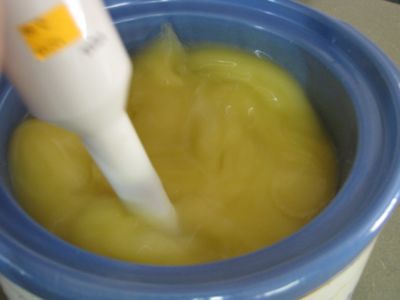
Stir briefly, then switch to using a stick blender and blend until the mixture reaches “trace” — which is when it thickens. It will go from clear to opaque, and resembles vanilla pudding when done. The mixture, when dripped off the stick blender, will stay in visible ridges, rather than the mixture collapsing back into a smooth top. With this soap, it takes about 2 to 3 minutes. With pure olive oil soap, it can take 5 minutes or more to achieve trace.
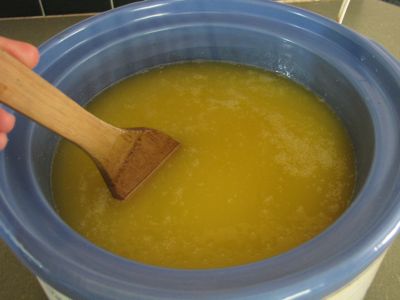

Cover and let “cook” for about an hour.
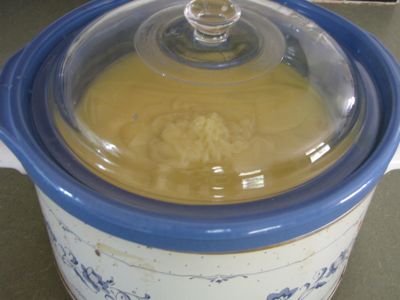
During the cooking time, the mixture will change back to translucent. It will raise up at the sides, like waves. This is after about 15-20 minutes in my picture.
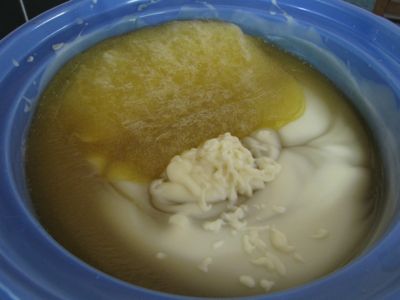
By the end of the cooking, the whole mixture will be translucent and the center of the mixture will be collapsed with the “waves” rolled into the center. (My picture of this stage is not very good, but it does happen.)
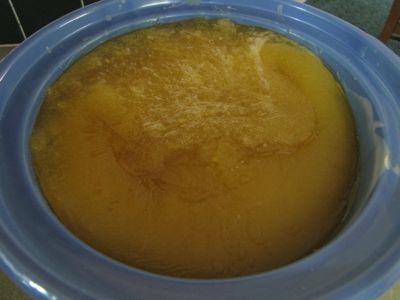
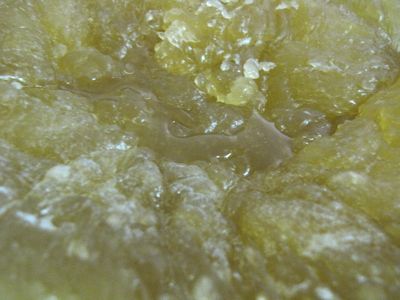
Also, there may or may not be liquid pooled in the center low point. This is glycerin, a natural byproduct of saponfication (the soap-making chemical reaction). Just stir this back in – it is very good for your skin!
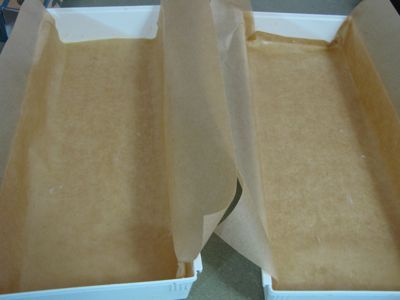
Turn off the crockpot. During the cooking time, prepare your molds. I use two plastic drawer trays lined with freezer paper. Usually, I use freezer paper (shiny side up). During this soap making, I was out of that, so I used parchment paper that I greased with coconut oil; worked fine.
Fill the mold(s) with the hot soap mixture. Tap up and down on the counter or a floor to evenly distribute the mixture. You can use your hands, but be careful and touch lightly as the mixture is very hot! (And you need it to be hot to fill the mold properly.)


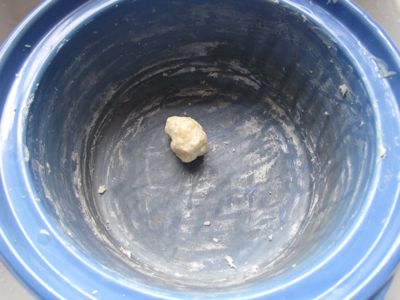
Now the soap in the mold(s) need to cool/harden, at least overnight. The crock can be scraped clean for instant delight – soap that’s ready to use!
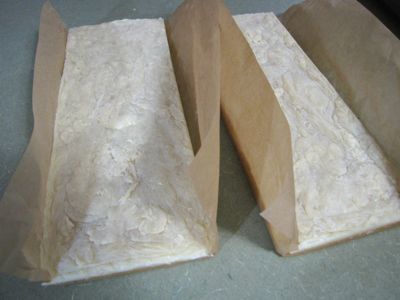
When hardened and cooled, lift the paper to pull the soap out of the mold(s).
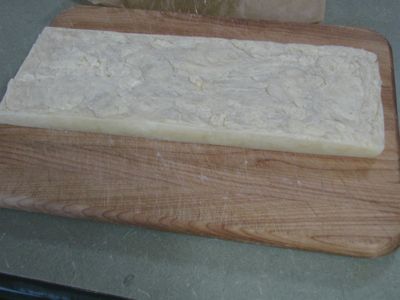
Peel the paper off the soap block. Put the block on a cutting board and use a big knife to cut into bars.
The bars still need to harden significantly and will do this over time. Keep them in a cool location with good airflow. I keep a tray of upright bars in my bathroom. We use one, the rest age, we use another, the rest keep aging… If upright, more air can flow and they’ll harden more evenly and faster. Rotate them infrequently if you’d like.
So I think that is it! If I missed anything, please ask, and I’ll try to clarify. 😀 Enjoy!
—Wardee